










iPhone and iPad
Soundpad
Soundboard, sampler & looper
Record any sound onto a pad with one tap, play it like an instrument, loop it into a beat, and share it as a video. Or describe a vibe and let AI build the whole kit.
Free download. Optional AI credit packs.
8-Bit Farts
16 sounds · 1 loop
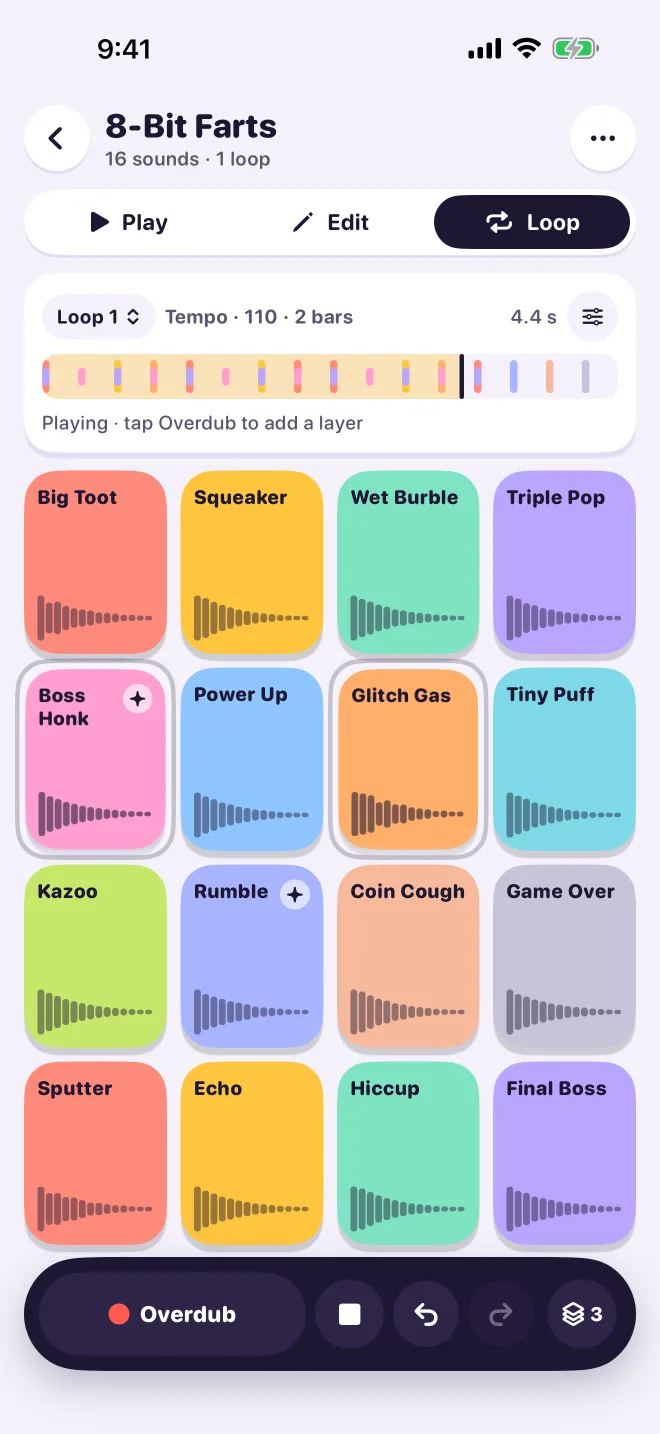
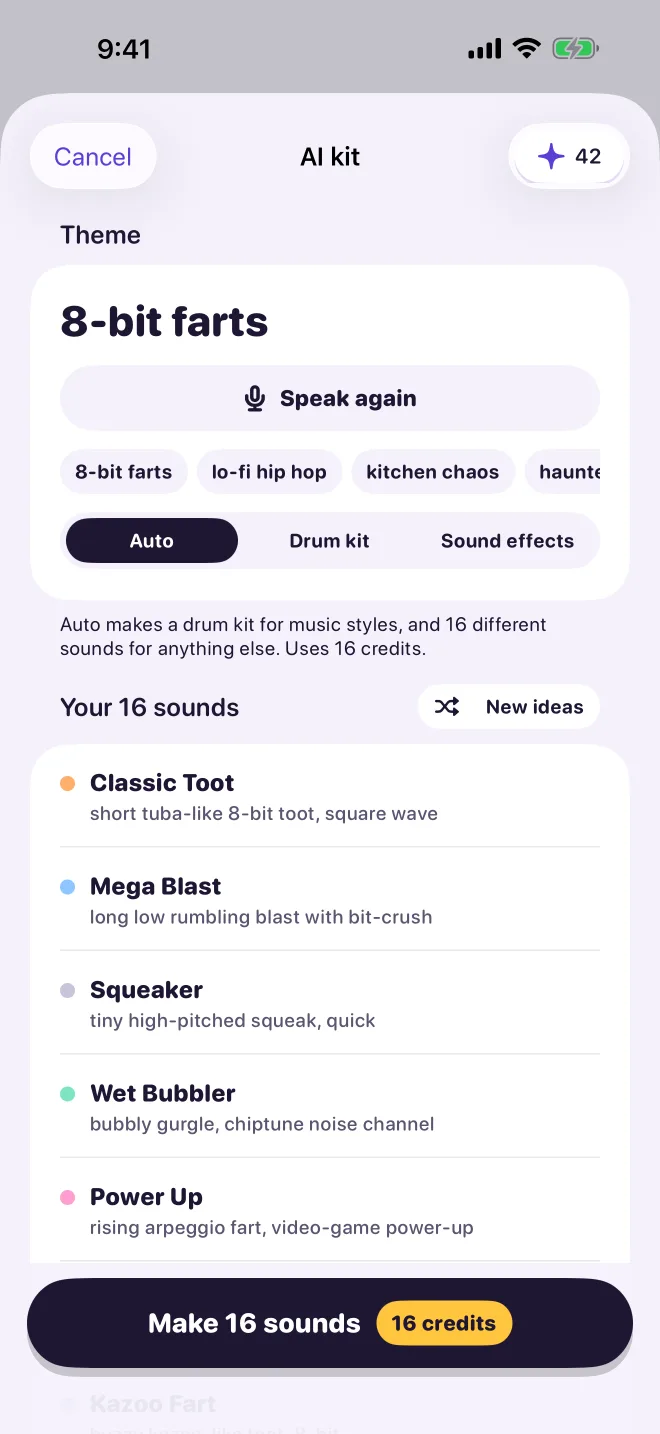
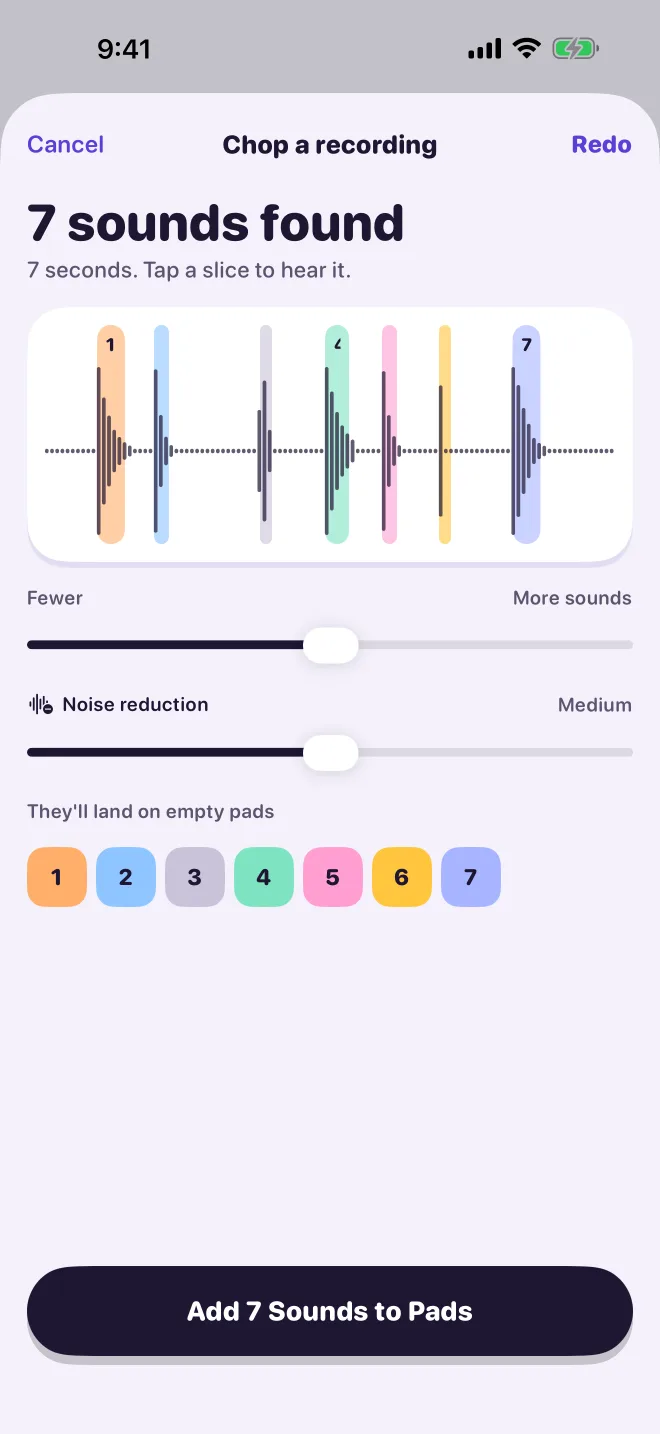
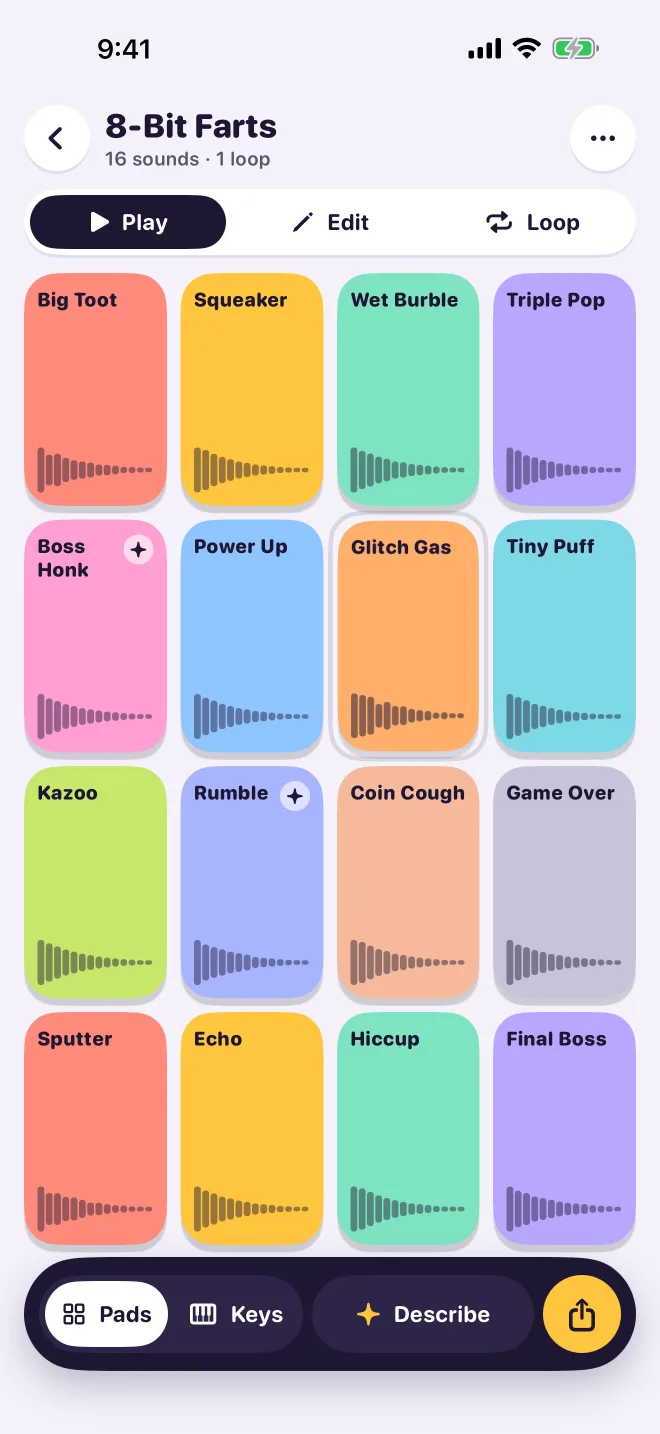
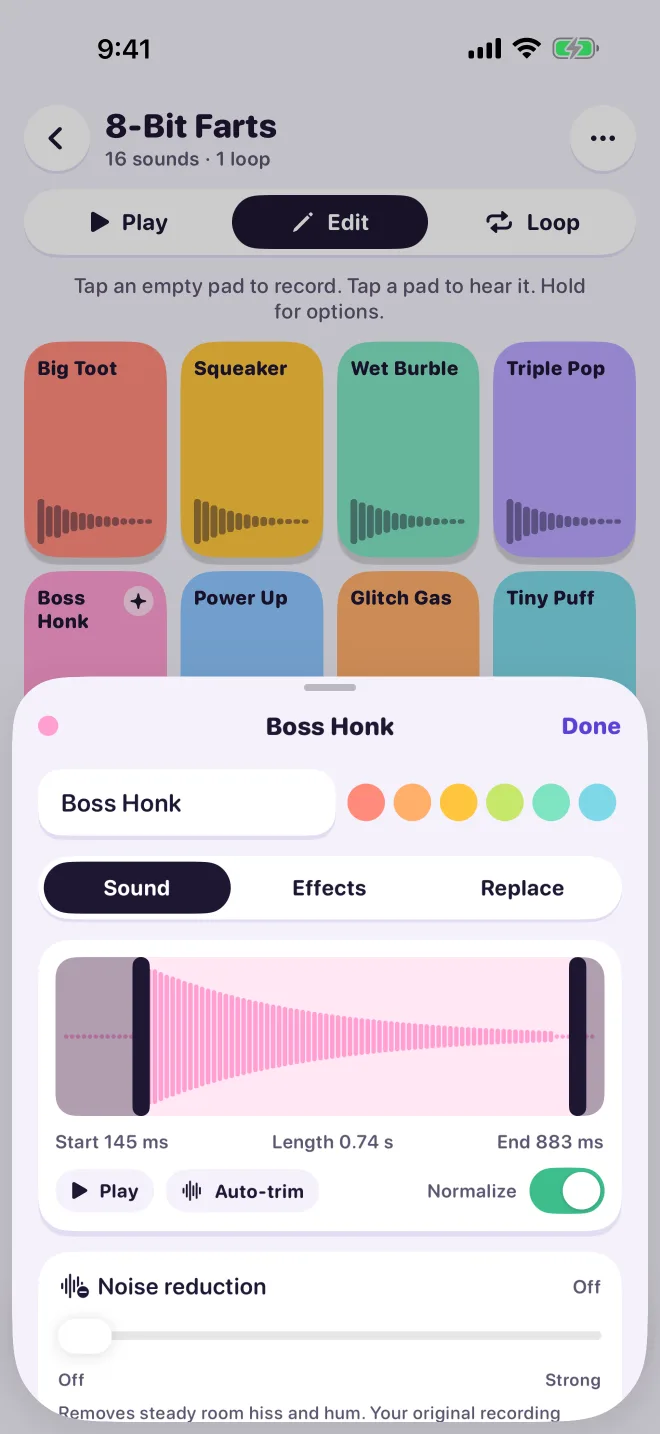
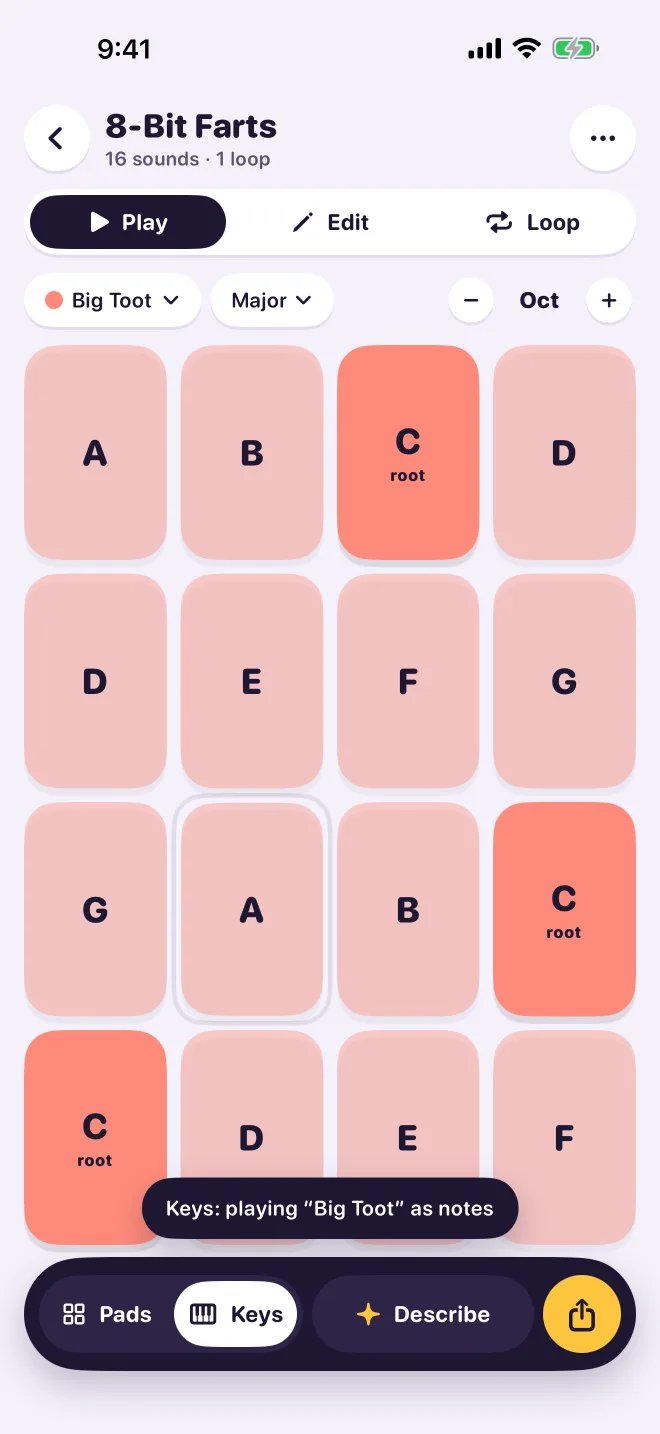
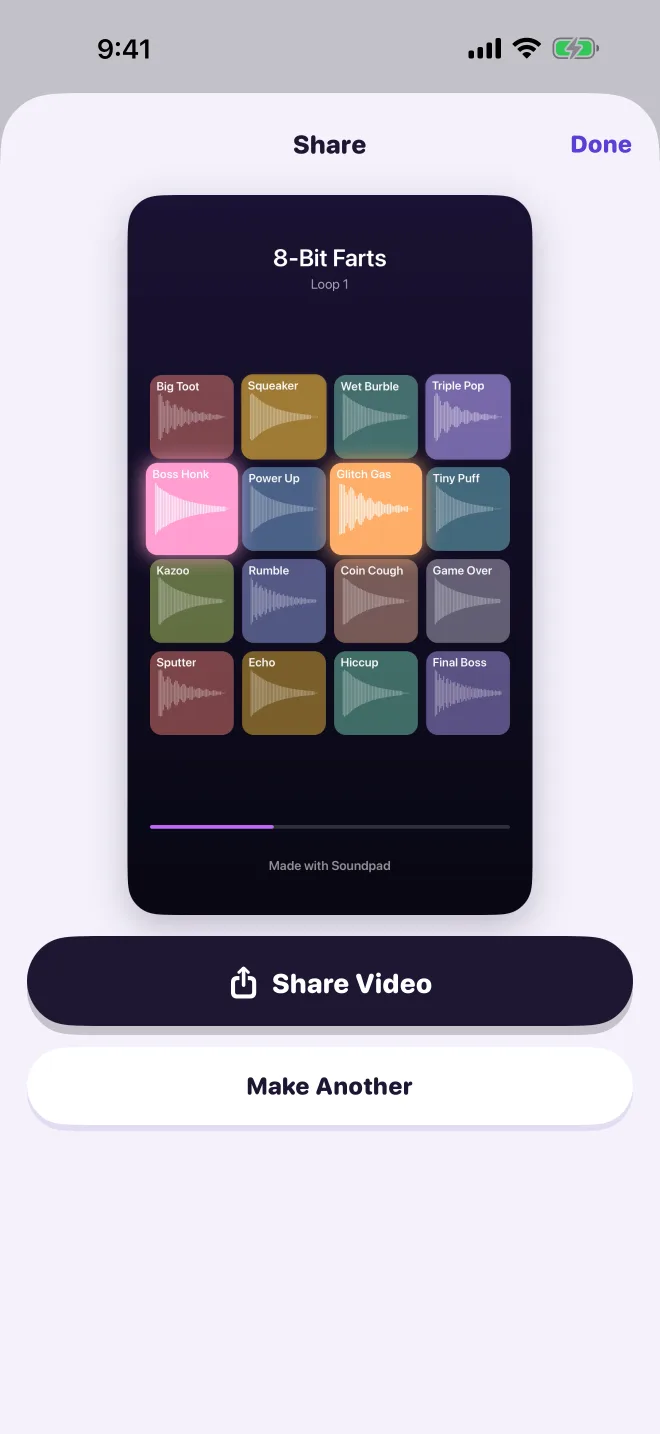
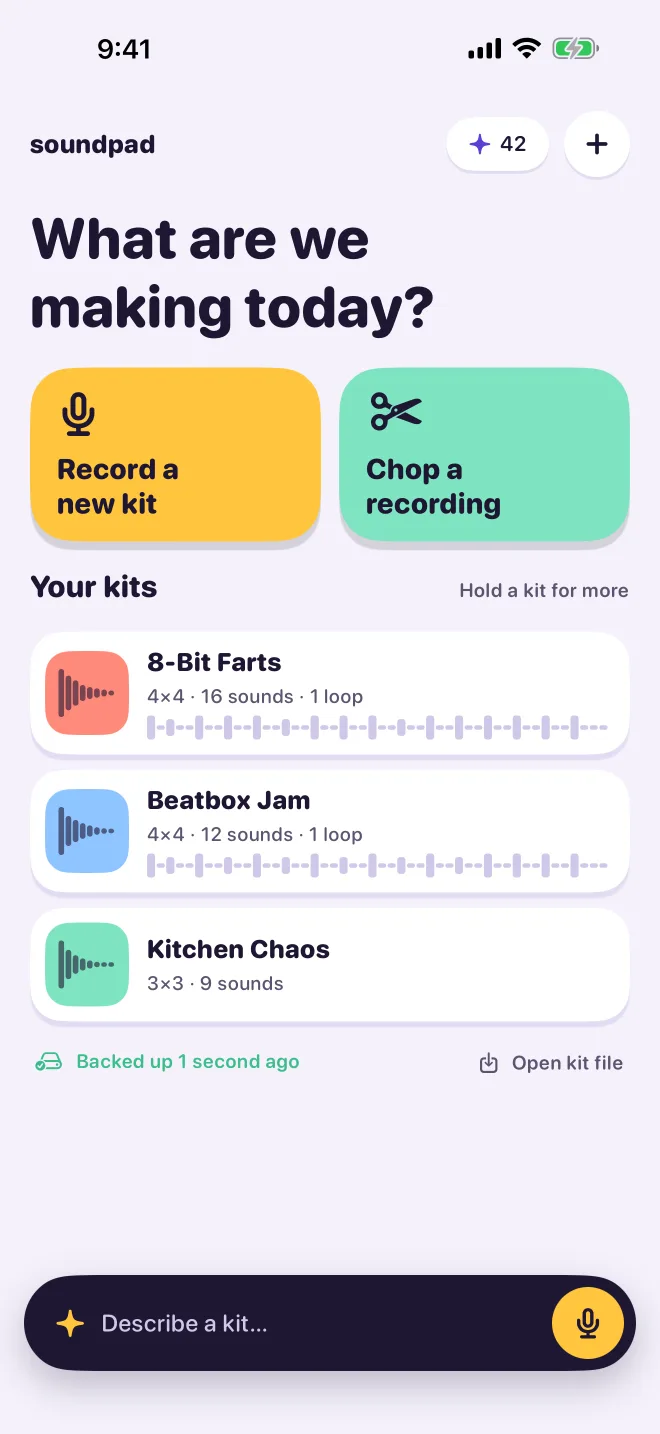
Make beats out of anything.
Your voice, your kitchen, your dog. Everything is a sound, and every sound can be a pad.
Record anything
Tap an empty pad and make a sound. It's trimmed automatically, with optional background-noise reduction.
Play it fast
Low-latency pads that feel like an instrument. Tap, roll, repeat.
Keys mode
Turn one sound into notes in a scale and play a melody from a burp.
Loop and layer
Record pad performances with overdub layers, undo, tempo, metronome and quantize. Keep several named loops per kit, then chain them in Song mode.
Chop
Beatbox once. Chop finds each hit in the recording and puts it on its own pad, automatically.
Shape every pad
Trim, pitch, volume, reverse, tone, reverb and echo, per pad.
Describe a sound.
Or a whole kit.
- One sound. Type or say what you want to hear and get an AI sound effect on a pad.
- A whole kit. Describe a vibe, like “8-bit farts” or “lo-fi hip hop”, and AI designs and generates up to 16 matching sounds.
1 credit = 1 AI sound. Designing kits and speaking descriptions are free. Generating sounds uses credits. AI features need Sign in with Apple.
16 free credits for new accounts, enough for one kit. Once per Apple ID.
50
credits
$1.99
200
credits
$5.99
600
credits
$14.99
In-app purchases through Apple. Credits are consumable.
Made it? Share it.
Share it as a video
Export a loop or a song as a vertical video for TikTok, Reels and Shorts, or as M4A audio.
Send kits to friends
Send a whole kit as a .soundpadkit file. They open it and play.
Backed up to iCloud
Your kits are backed up automatically to your own iCloud Drive.
Support
Answers to common questions are on the support page. Questions, bugs or purchase problems? Email support@mastersoftware.io and we'll get back to you.
Privacy
No ads, no analytics, no tracking. Your recordings and kits stay on your device. Read the privacy policy and the terms of use.
Soundpad: Voice & AI Pads by Master Software Solutions LLC. Requires iOS or iPadOS 18 or later.